Sign in
 Contact
 Links



| News |
JA Sensei 6.3.0: Kanji Readings in Context and More Personal Quizzes
by Raphael
I'm pleased to announce that JA Sensei 6.3.0 is now available on Google Play! This update brings a new way to practice kanji readings, quizzes that pay closer attention to the things you mix up, and more ways to adapt the app to your learning.
Kanji: practice readings in words
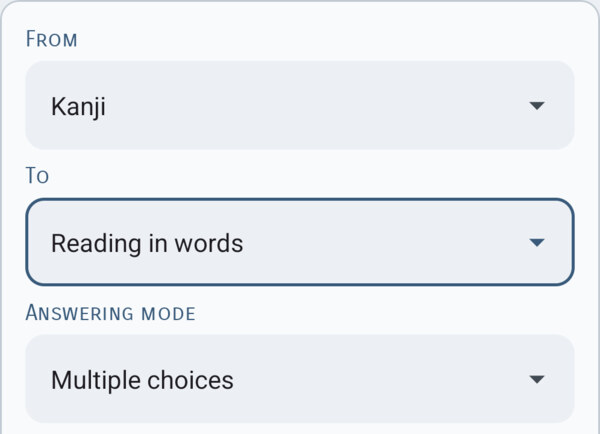
Knowing a reading is one thing; choosing the right one in a word is another. The new “Reading in words” quiz helps you make that connection. For each kanji, you choose its reading in several words, then review a recap of your answers.
For example, 人 is read じん in 日本人, but にん in 三人. Practicing with real uses helps you recognize these readings when you encounter the words in a text.
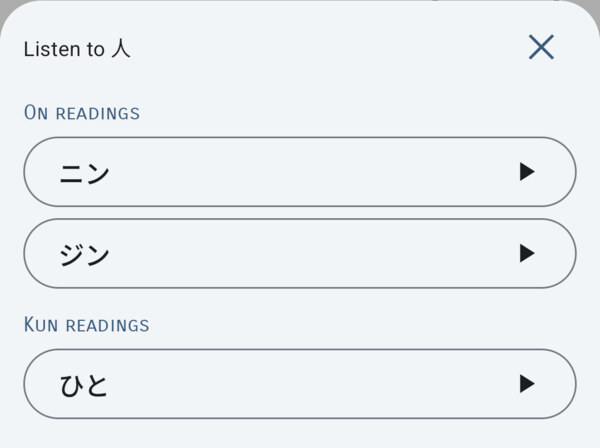
Listen to on and kun readings
You can now listen to on and kun readings in kanji detail sheets, quizzes, and flashcards. This makes it easy to connect a character with its pronunciation or check a sound as you review. Kanji definitions have also been expanded to give you a clearer understanding of their different meanings.
Audio for the 110 N5 kanji is included in the app for free. Recordings for the other kanji are available with Premium or Samurai Unlimited. If you have either of these, please reinstall the Kanji module to get the new audio files.
Quizzes that help you understand your mistakes
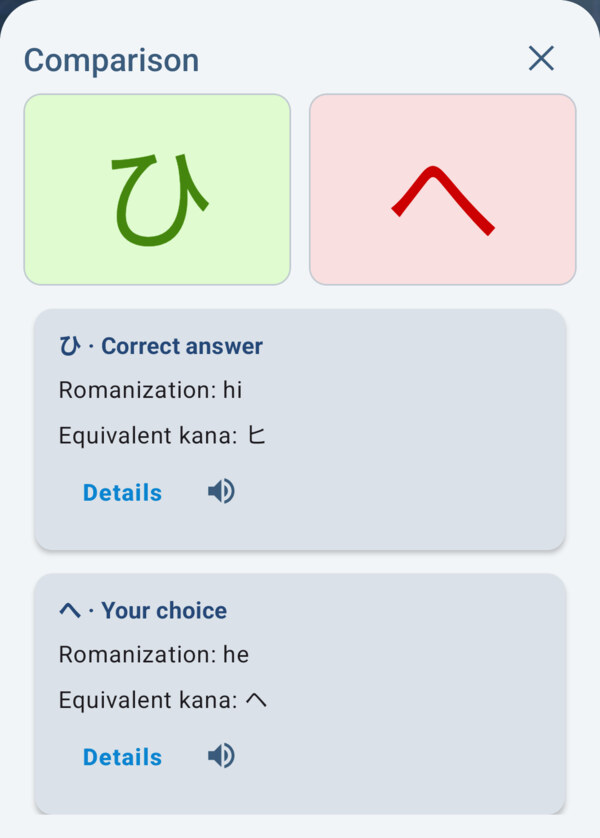
Answer choices in the Kana, Kanji, Radicals, and Vocabulary quizzes have been reworked to help you tell easily confused items apart. The choices also take your own mix-ups into account.
After a mistake, you can compare your answer with the correct one. The aim is to help you spot the difference, understand what went wrong, and remember that distinction more clearly.
Use your own words to help you remember
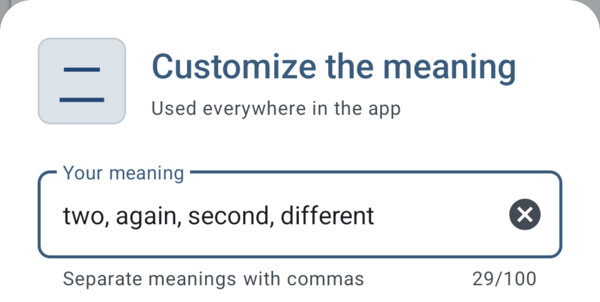
With Premium or Samurai Unlimited, you can customize the meanings of kanji, radicals, and vocabulary words. Your wording then appears in detail sheets, flashcards, and quizzes, and syncs with your account. This is useful when a familiar term or a particular way of phrasing a meaning helps you remember it.
Find your content more easily
The Text Reading and Culturebook modules now let you track what you have read, filter the lists, and sync that tracking with your account. In Dialogues, a new keyword search tool helps you find a situation you would like to practice.

Thank you for your loyalty and support. I hope you enjoy using these new features in your next Japanese study sessions.
Discover JA Sensei 6.3.0 on Google Play and, if you find the app useful, please take a moment to leave a review: it really helps me keep this project going.
| Aucun commentaire |